Ultimate Image Compression Guide (Reduce Size Without Losing Quality)
Image compression is one of the most important techniques to improve website speed, SEO performance, and user experience. In this guide, you'll learn how to reduce image size without losing quality using practical methods and free online tools.
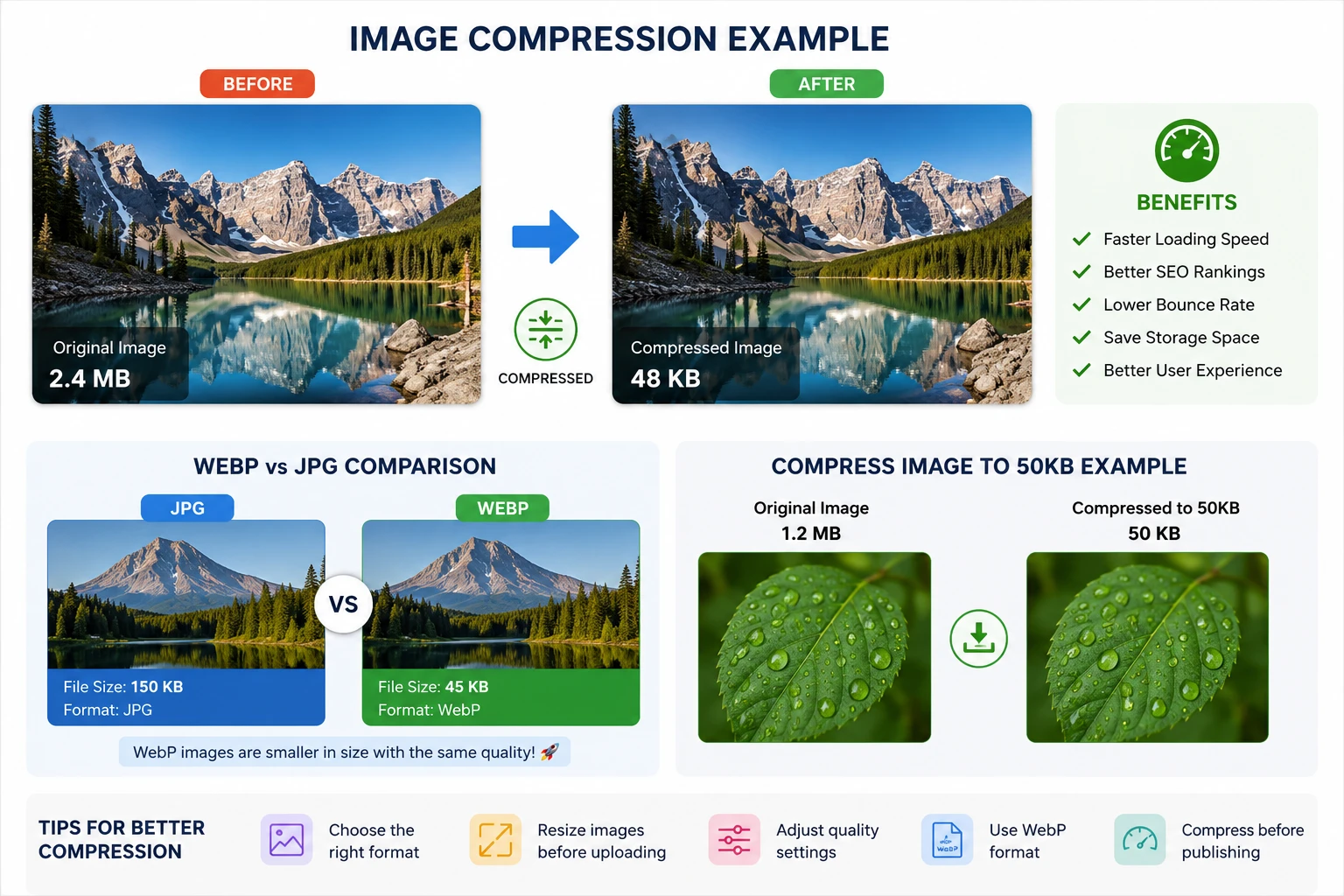
Why Image Compression Matters for SEO
Large images slow down your website. A slow website leads to higher bounce rates and lower rankings in search engines.
- ⚡ Faster loading speed
- 📈 Better Google rankings
- 📉 Lower bounce rate
- 📱 Better mobile performance
Google considers page speed a ranking factor, so optimizing images is essential.
---Types of Image Compression
1. Lossy Compression
Reduces file size by removing some data. Best for web use.
2. Lossless Compression
Keeps full quality but reduces size less aggressively.
---Best Image Formats Explained
JPEG
Best for photos. Small size but slight quality loss.
PNG
Best for transparency and graphics.
WebP
Modern format with superior compression. Recommended for SEO.
👉 Convert your images here: PNG to WebP Converter
---How to Compress Image to Specific Sizes
Many platforms require images under a certain size like 50KB or 100KB.
---Step-by-Step Image Compression Process
- Upload your image
- Choose compression level
- Select output format (WebP recommended)
- Download optimized image
Common Mistakes to Avoid
- Uploading images without compression
- Using PNG for photos
- Ignoring modern formats like WebP
- Not resizing images
Advanced Tips for Maximum Optimization
- Use WebP format whenever possible
- Resize images before uploading
- Lazy load images
- Use CDN for faster delivery
Conclusion
Image compression is essential for SEO, performance, and user experience. By using the right tools and techniques, you can significantly improve your website speed and rankings.
Start optimizing now: Image Compressor Tool