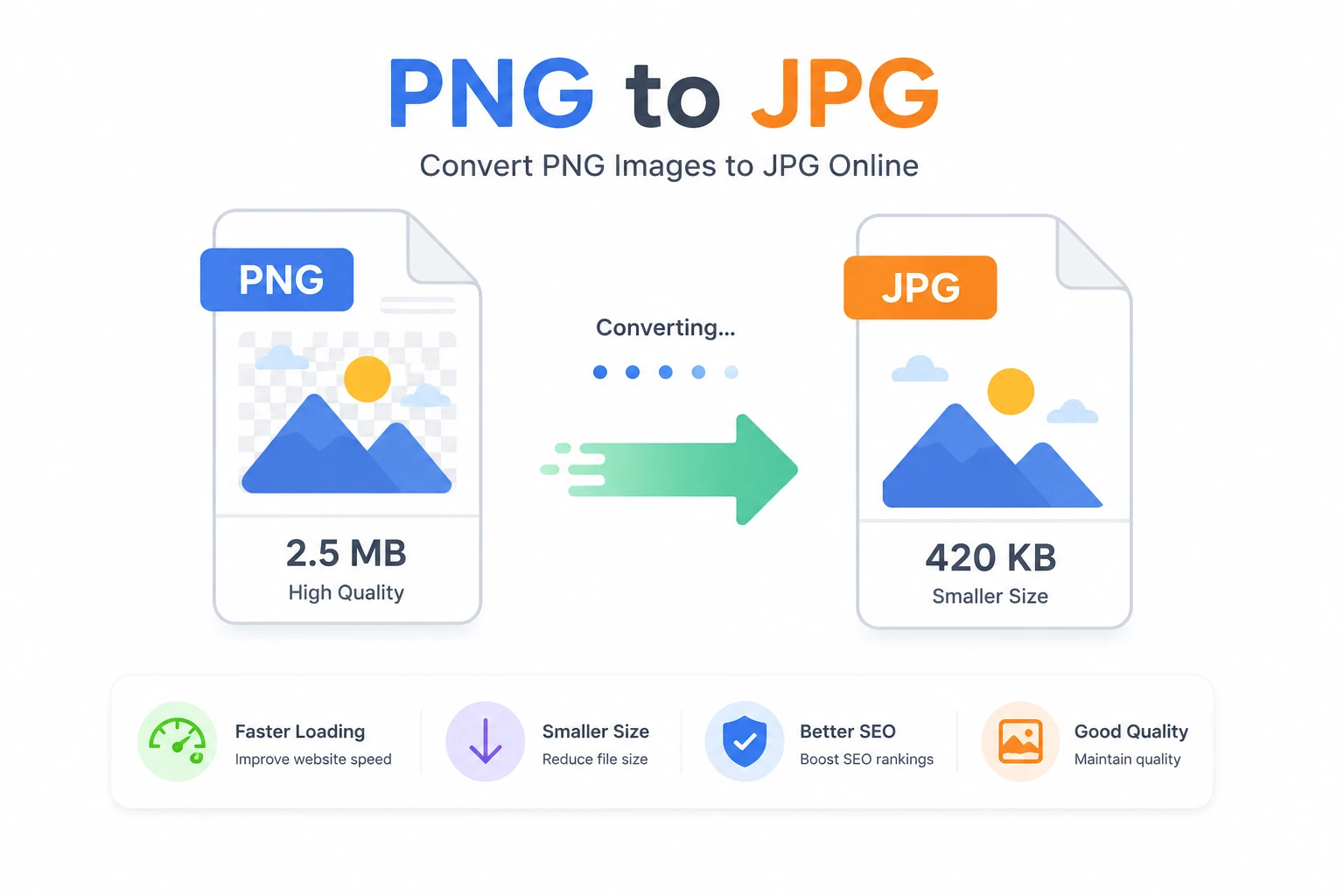
Convert PNG to JPG Online Free
This free PNG to JPG converter allows you to transform images instantly without uploading them to any server. Everything happens locally in your browser, making the process fast, secure, and private.
Why Convert PNG to JPG?
PNG images are great for quality and transparency, but they often come with large file sizes. JPG images, on the other hand, use compression that significantly reduces file size while maintaining acceptable visual quality.
Converting PNG to JPG is essential for:
- Improving website speed
- Reducing bandwidth usage
- Optimizing images for SEO
- Uploading images to platforms with size limits
Benefits of JPG Format
- ✔ Smaller file size
- ✔ Faster loading times
- ✔ Better for web and social media
- ✔ Supported everywhere
How to Convert PNG to JPG
- Select your PNG image
- Click "Convert to JPG"
- Download your optimized file instantly
Does PNG to JPG Affect Quality?
Yes, JPG uses lossy compression, meaning some data is removed. However, in most cases, the difference is not noticeable, especially for web use.
When Should You Use PNG Instead?
- When you need transparency
- For logos and graphics
- For high-detail images without compression loss
SEO Benefits of Image Optimization
Image optimization is a key ranking factor in modern SEO. Faster-loading images improve user experience, reduce bounce rate, and help your pages rank higher in search engines.
Using JPG instead of PNG can significantly improve page load speed, which is critical for both mobile and desktop performance.
Common Use Cases
- Web design optimization
- Blog image compression
- Social media uploads
- Email attachments
Frequently Asked Questions
Is this tool safe?
Yes, everything runs locally in your browser. Your images are never uploaded.
Can I convert multiple images?
Currently, this tool supports one image at a time for best performance.
Does it reduce quality?
Yes slightly, but optimized for minimal visual loss.