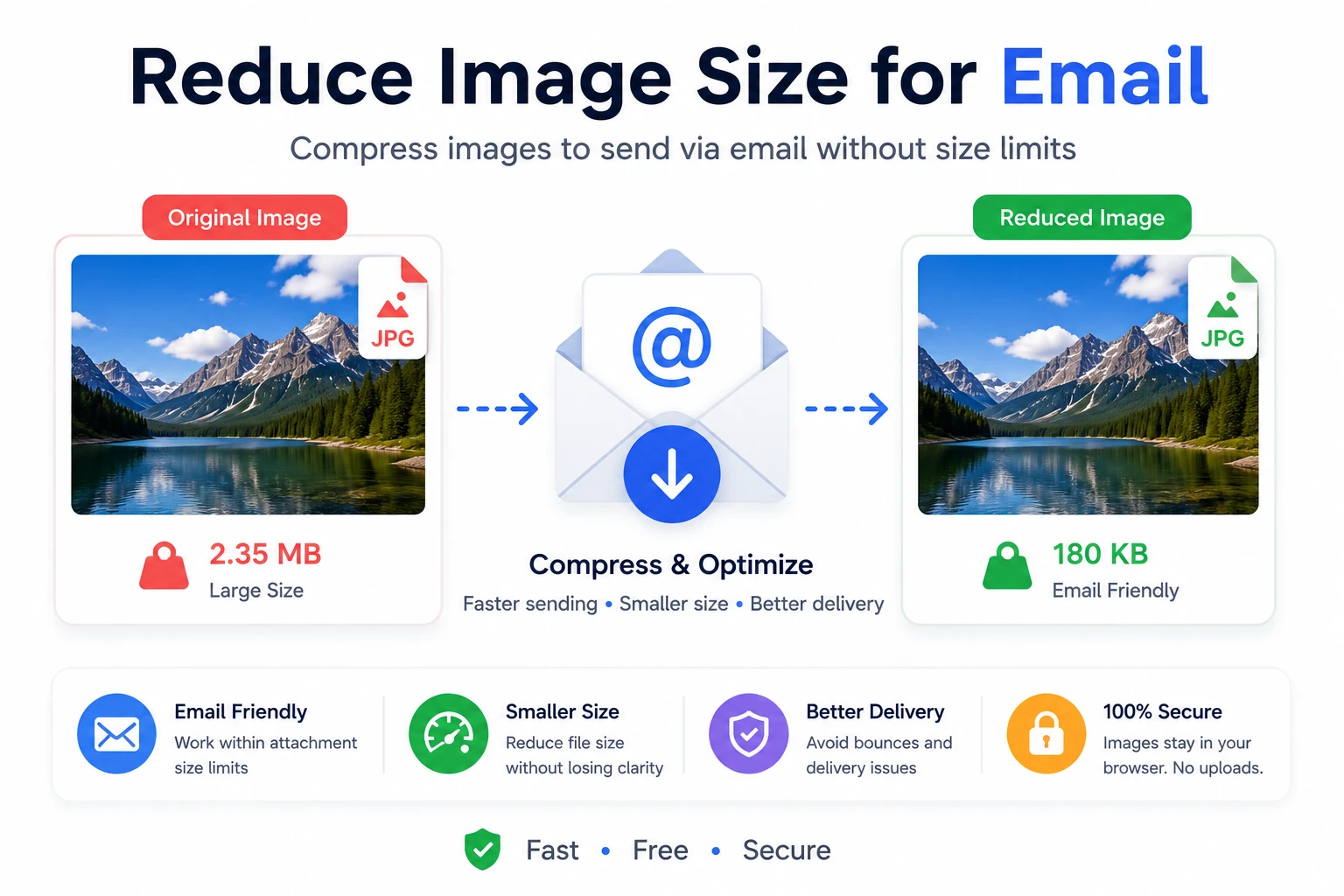
Reduce Image Size for Email Online
Sending large images through email can be frustrating due to strict file size limits. This free online tool helps you reduce image size instantly, making your files easier to send while preserving visual quality.
Why You Need to Reduce Image Size for Email
Most email providers like Gmail or Outlook have attachment limits. Large images can exceed these limits or take too long to upload and download. By compressing your images, you ensure faster delivery and better compatibility.
Recommended Image Size for Email
- Under 1MB per image
- JPG format for best compression
- Width: 800–1200px for optimal display
How to Reduce Image Size
- Upload your image
- Click "Reduce Size"
- Download the optimized image
Benefits of Image Compression for Email
- ✔ Faster sending and receiving
- ✔ Avoid attachment errors
- ✔ Better user experience
- ✔ Saves storage space
Does Compression Affect Quality?
Compression slightly reduces image quality, but this tool is optimized to maintain a balance between size and clarity. For email use, the difference is usually not noticeable.
Best Practices for Email Images
- Use JPG instead of PNG
- Avoid extremely large resolutions
- Compress before attaching
- Test before sending
SEO Benefits of Optimized Images
Even though this tool is focused on email, optimized images are also critical for websites. Smaller images improve loading speed, which directly impacts SEO rankings and user experience.
Common Use Cases
- Sending photos via email
- Sharing documents with images
- Business communication
- Marketing campaigns
Frequently Asked Questions
Is this tool free?
Yes, completely free with no limits.
Do I need to upload files?
No, everything runs in your browser.
What format is best?
JPG is recommended for email.