SEO-Friendly URLs: 9 Best Practices with Real Examples
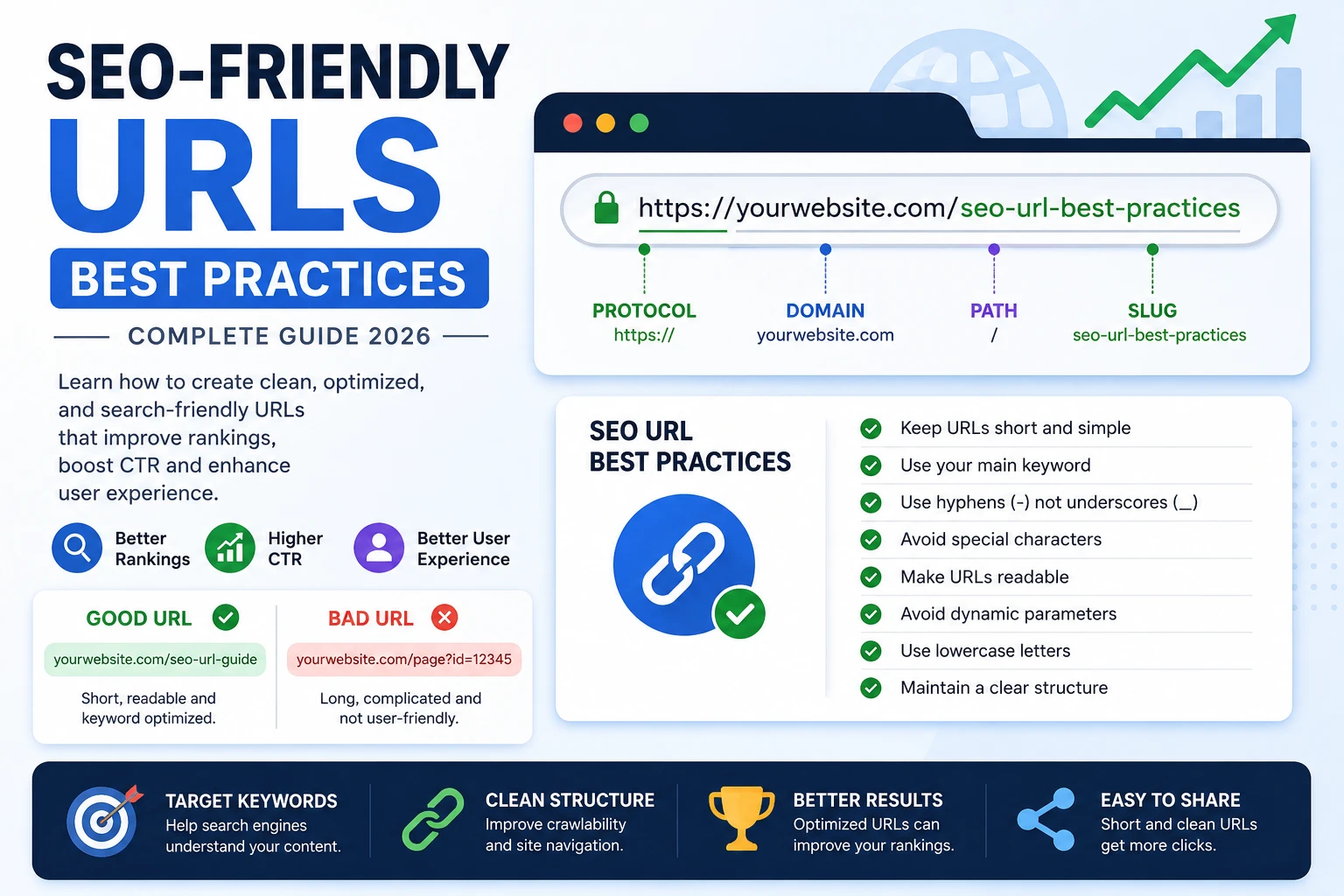
Creating SEO-friendly URLs is one of the easiest ways to improve your rankings and click-through rate without building backlinks.
In this guide, you'll learn 9 proven URL best practices, real examples, and common mistakes to avoid so your pages can rank higher and get more clicks.
Table of Contents
- What Is an SEO-Friendly URL?
- Why URLs Matter for SEO
- SEO URL Best Practices
- Good vs Bad URL Examples
- FAQ
What Is an SEO-Friendly URL?
An SEO-friendly URL is a clean, readable web address that includes relevant keywords and clearly describes the content of a page.
Example:
Good: https://example.com/seo-url-best-practices
Bad: https://example.com/page?id=12345
Why SEO-Friendly URLs Matter
- Improve user experience
- Increase click-through rates (CTR)
- Help search engines understand your content
- Make links easier to share
SEO URL Best Practices
1. Keep URLs Short and Simple
Short URLs are easier to read, easier to share, and tend to perform better in search results.
2. Use Your Main Keyword
Including your main keyword helps search engines understand your page topic and improves relevance.
3. Use Hyphens Instead of Underscores
Correct: seo-url-guide
Incorrect: seo_url_guide
4. Avoid Special Characters
Characters like %, &, ?, and = make URLs harder to understand and less user-friendly.
5. Make URLs Readable
Users should understand your content just by looking at the URL.
6. Use Lowercase Letters
Lowercase URLs prevent duplicate content issues and keep consistency.
7. Avoid Dynamic Parameters
Bad: /page?id=123
Good: /seo-url-guide
8. Maintain a Clear Structure
Example: /guides/seo-url-best-practices
9. Avoid Keyword Stuffing
Overloading URLs with keywords looks spammy and can harm rankings.
Good vs Bad URL Examples
Good URLs:
- /seo-url-guide
- /create-slug-from-title
- /clean-url-structure
Bad URLs:
- /page?id=999
- /post12345
- /seo_url_guide!!!
How to Create SEO-Friendly URLs
👉 Step-by-step guide to creating SEO-friendly URLs
👉 Learn more here: URL vs Slug Guide
Do URLs Affect Rankings?
Yes, indirectly. SEO-friendly URLs improve clarity, usability, and click-through rates, which are important ranking signals.
Common URL Mistakes
- Too long URLs
- Keyword stuffing
- Using uppercase letters
- Using random numbers
Frequently Asked Questions
Do keywords in URLs help SEO?
Yes, keywords in URLs help search engines understand the topic of your page and can improve click-through rates.
How long should a URL be?
Shorter URLs tend to perform better. Keep them concise and focused on one main keyword.
Should I change old URLs?
Only if necessary. If you do, always use 301 redirects to avoid losing rankings.
Final Thoughts
SEO-friendly URLs are simple, clean, and keyword-focused. Optimizing them improves rankings, user experience, and visibility over time.